- Click New to Twinklinc? Create Account
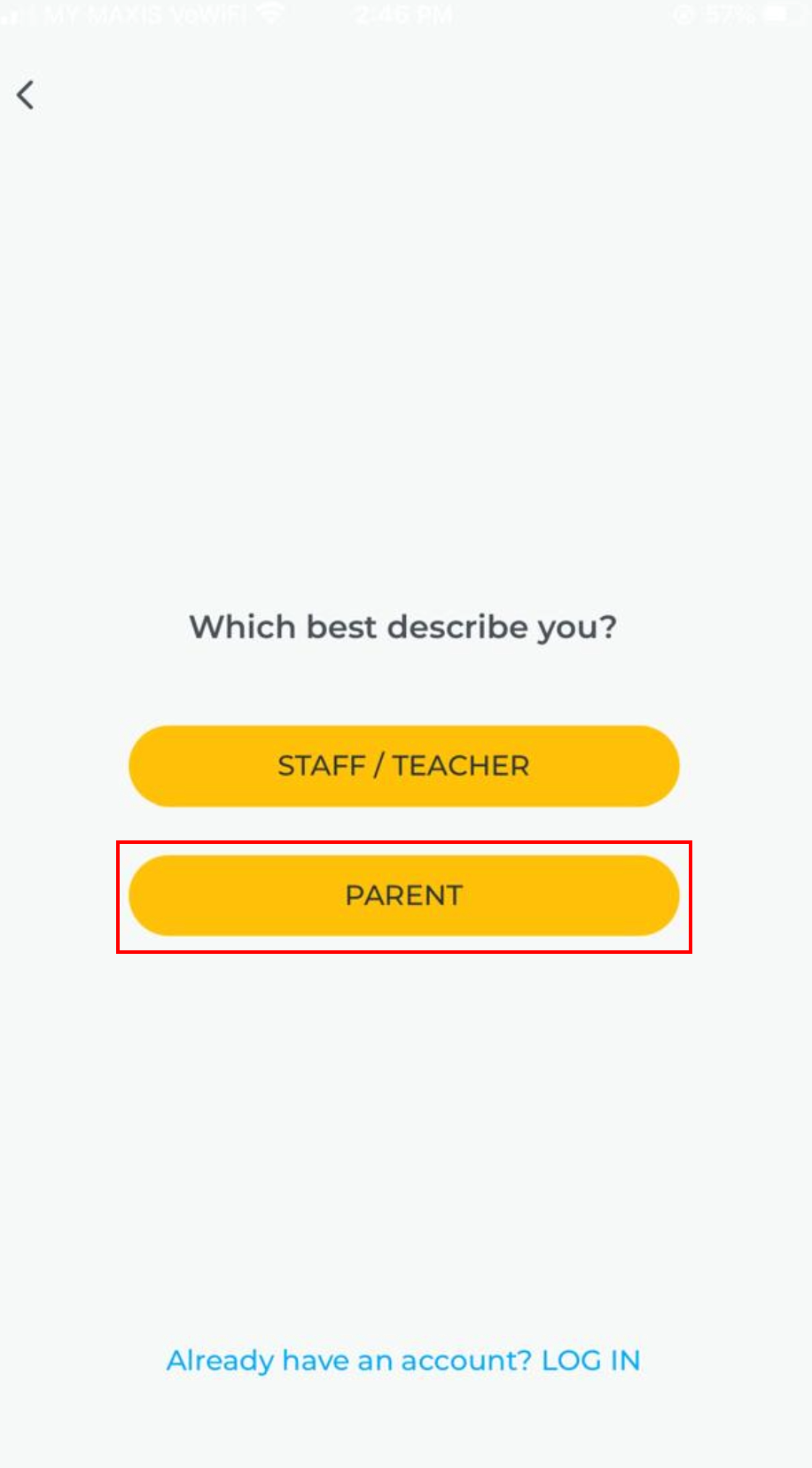
- Select Parent
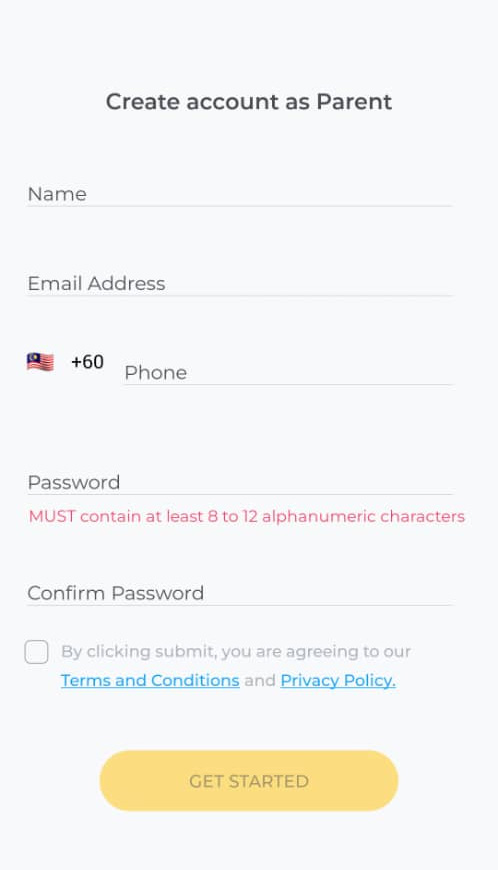
- Enter name, email, mobile number and password then click Get Started
- After successful registration, enter your phone and password to login
- Click Add Child
- You’ll receive a 6-digit code via SMS. If you didn’t receive it, click Request Invite Code
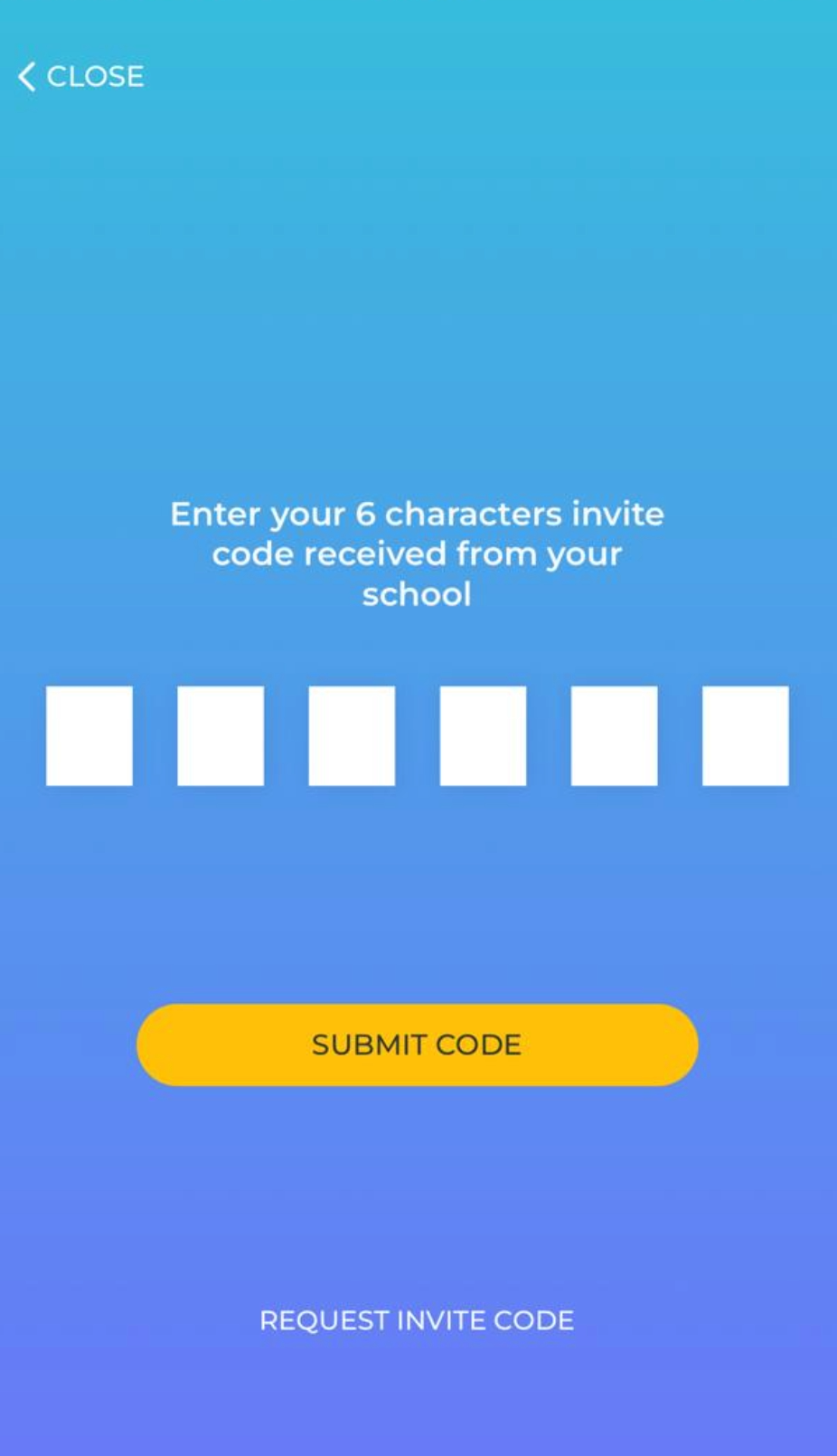
- Enter it and click Submit Code